Many companies are switching to XenDesktop User/Device licenses vs. the traditional concurrent model. The main reason… well they are are just about half the cost. So it make sense from a budget perspective.
This does create a bit of additional administrative IT overhead. In theory the license server “takes care of” managing licensing”, etc… however, Every now and then you’ll find that you might need to delete/release a few licenses on your XenDesktop installation, generally due to over usage, this will prevent a user getting “not enough licenses available” error.
Environment:
- Windows 7
- Citrix XenDesktop 5.6
- PVS 6.1.16
- Citrix Receiver 13.4
Differences between the two: (Detailed info @ CTX135501)
Concurrent:
A concurrent XenDesktop license is tied to a XenDesktop session, not to a specific user or device. When a user launches a session, a license is checked out to that session
User / Device:
XenDesktop User/Device licenses provide customers with the maximum flexibility of assigning a single license to either a user or a device and supports both license types in the same environment.
Solution:
Head over to your license server
Run the following command from C:\Program Files (x86)\Citrix\Licensing\LS (default license location)
udadmin -list
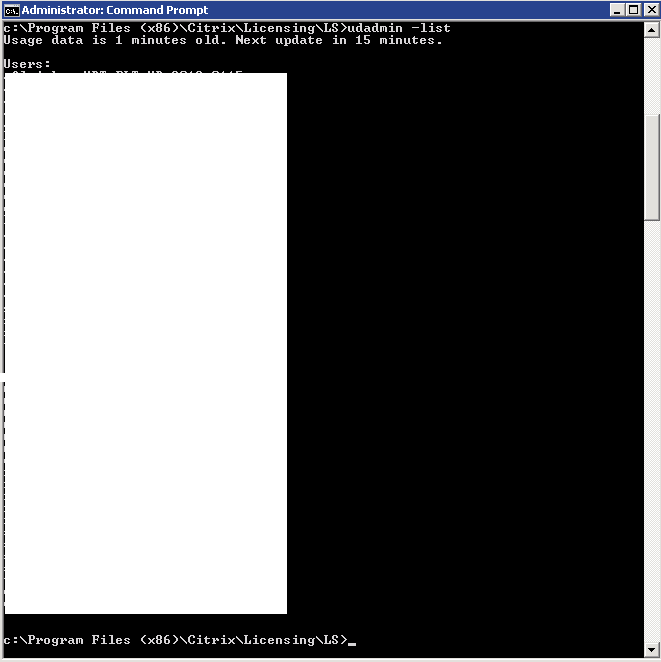
This command displays who is currently using a license and when it is due to expire.
Find the user who you want to delete and then type the following command.
udadmin -f XDT_ENT_UD -user druiz -delete
Some other command examples
udadmin -list
Displays all the users and devices.udadmin -list -a
Lists all features, versions, counts of licenses, and the users and devices for each feature.udadmin -f XDT_ENT_UD -user druiz -delete
Releases one user from one feature.udadmin -f XDT_ENT_UD -device druiz_xdwin7_64 -delete







 Daniel Ruiz
Leave a comment