While working on a new project at a new company, we made the decision of utilizing the Access Gateway on the NetScaler to host a new client’s site as the XenApp entry point. Although it is clear on the benefits that AGEE brings, we can agree that it also brings a bit of complexity when customizing the log on page.
While this can be done with some HTML customizations, Citrix does not provide support for an AGEE customized site, so I figure this time I would look into NetScaler rewrite policies to accomplish the same.
Environment
- MPX 7500 NetScaler 9.3 52.3nc
- Web Interface 5.3 (I know :P)
Issue:
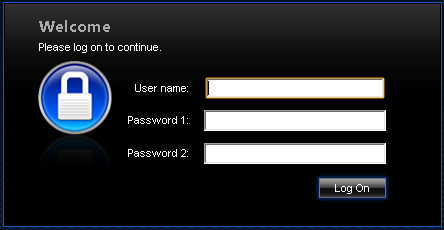
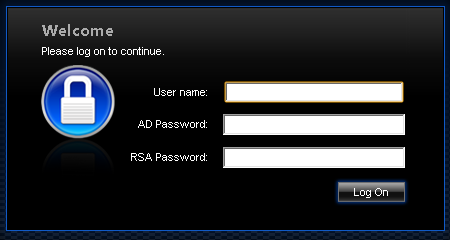
When two factor authentication is configured on Access Gateway Enterprise Edition, the user is prompted for User name, Password 1, and Password 2.
Solution:
1. Create the following actions under “Rewrite/Actions”
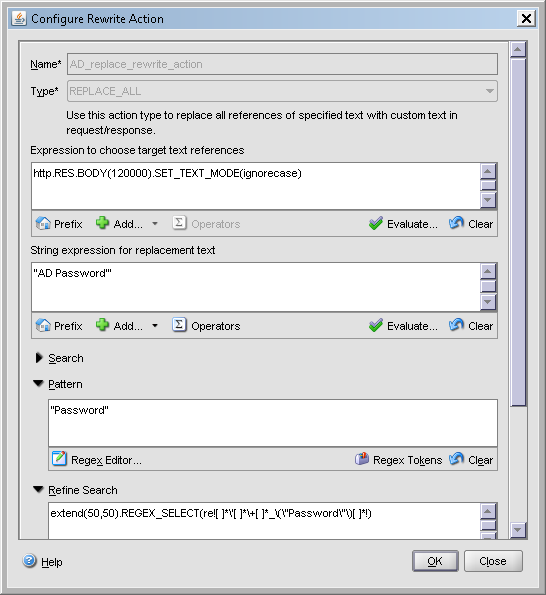
add rewrite action AD_replace_rewrite_action replace_all “http.RES.BODY(120000).SET_TEXT_MODE(ignorecase)” “\”AD Password\’\”” -pattern “\”Password\”” -bypassSafetyCheck YES -refineSearch q/extend(50,50).REGEX_SELECT(re![ ]*\'[ ]*\+[ ]*_\(\”Password\”\)[ ]*!)/
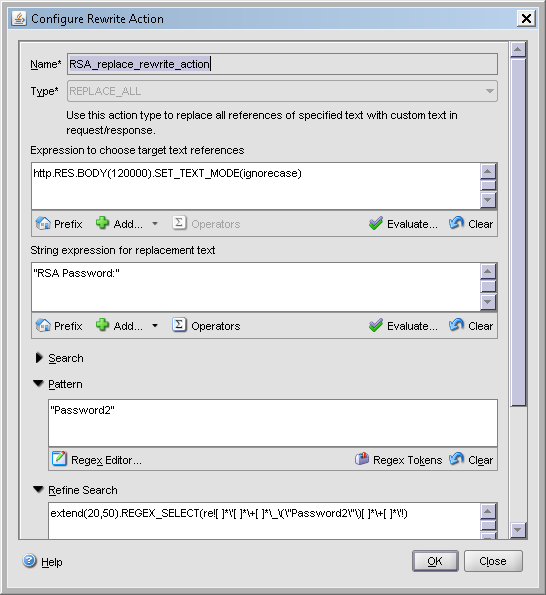
add rewrite action RSA_replace_rewrite_action replace_all “http.RES.BODY(120000).SET_TEXT_MODE(ignorecase)” “\”RSA Password:\”” -pattern “\”Password2\”” -bypassSafetyCheck YES -refineSearch q/extend(20,50).REGEX_SELECT(re![ ]*\'[ ]*\+[ ]*\_\(\”Password2\”\)[ ]*\+[ ]*\’!)/
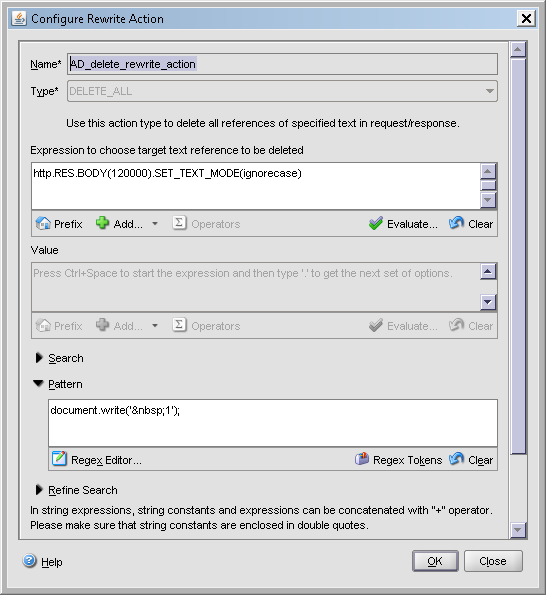
add rewrite action AD_delete_rewrite_action delete_all “http.RES.BODY(120000).SET_TEXT_MODE(ignorecase)” -pattern “document.write(\’ 1\’);” -bypassSafetyCheck YES
2. Create the following policies under “Rewrite/Policies”
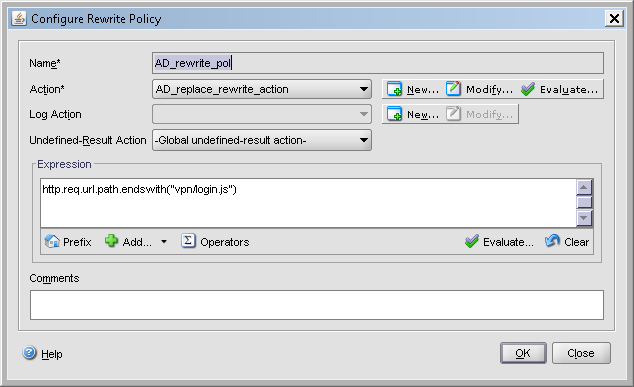
add rewrite policy AD_rewrite_pol “http.req.url.path.endswith(\”vpn/login.js\”)” AD_replace_rewrite_action
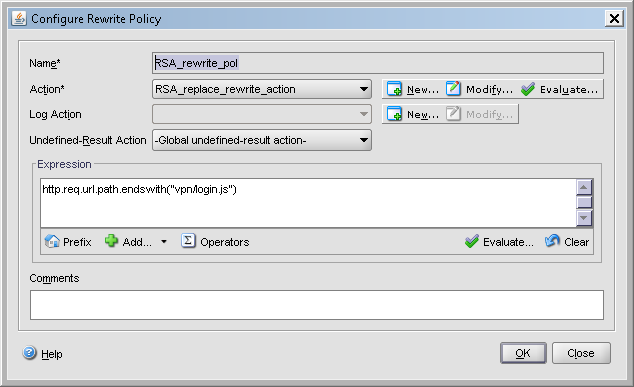
add rewrite policy RSA_rewrite_pol “http.req.url.path.endswith(\”vpn/login.js\”)” RSA_replace_rewrite_action
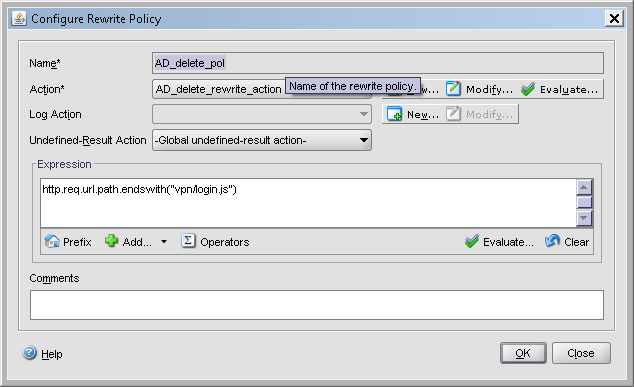
add rewrite policy AD_delete_pol “http.req.url.path.endswith(\”vpn/login.js\”)” AD_delete_rewrite_action
3. Enable/Bind the policies
bind rewrite global AD_rewrite_pol 80 NEXT -type RES_OVERRIDE
bind rewrite global RSA_rewrite_pol 90 NEXT -type RES_OVERRIDE
bind rewrite global AD_delete_pol 100 NEXT -type RES_OVERRIDE

Result?
For the logo… head over to this CTX article , note that you can copy the customized version of the logon page to a new directory of the appliance, however you will need to edit the rc.netscaler script to copy the required files to the /netscaler/ns_gui/vpn/ directory every time the appliance restarts, if not the changes are gone.
The rc.netscaler script would look something like this…, however a reminder that Citrix does not support this with version 9.3, and with version 10 71.6014.e, they added templates
cp /flash/nsconfig/mod_cag/index.html /netscaler/ns_gui/vpn/index.html
cp /flash/nsconfig/mod_cag/login.js /netscaler/ns_gui/vpn/login.js
cp /flash/nsconfig/mod_cag/images/ctxHeader01.gif /netscaler/ns_gui/vpn/images/ctxHeader01.gif







 Daniel Ruiz
Leave a comment